FAST-BGP NETWORK LAB
Claude or ChatGPT not connecting? Check the path and platform status
Separate Claude and ChatGPT connection observations, official status, regional policies and local browser facts. Understand timeouts and opaque responses without confusing web, API and Code checks.
A page that will not load, an error after login and a failed API request can all feel like a network-quality problem, but they involve different paths. Identifying the entry point, device and failing step is often more useful than repeatedly changing IPs.
This site provides network facts and troubleshooting guidance. It does not operate your Claude or ChatGPT account or make platform risk decisions. Examine the connection, official platform status and local browser facts separately, then identify the missing evidence.
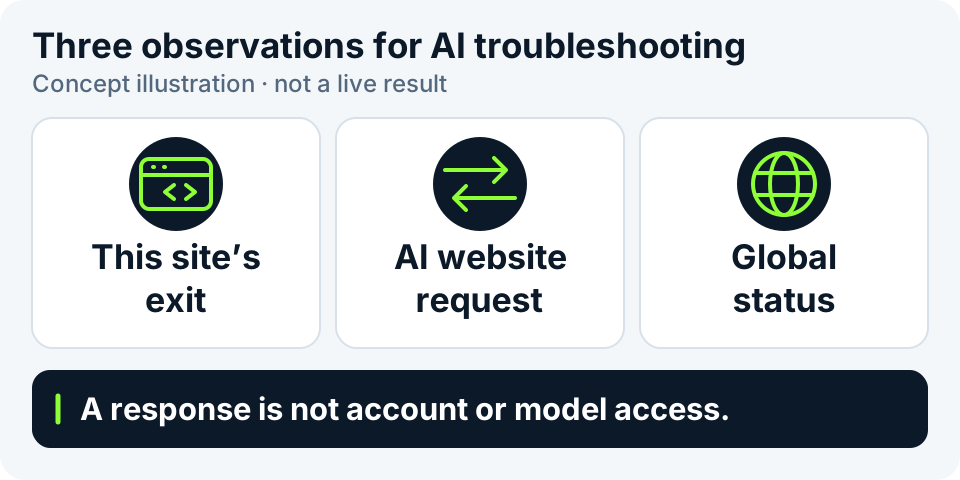
Web access does not validate API or Code access
Record these paths separately. A request from a test website can also take a different route from a terminal, desktop app or remote development container.
| Entry point | What to check | Scope of this tool |
|---|---|---|
| Claude / ChatGPT web | Loading in the actual browser and the stage where login or use fails. | Connection results describe request observations, not login or model calls. |
| Model API | The calling environment, authentication, resource permissions and returned error. | No model request is made; no API key is collected. |
| Claude Code | Networking and enterprise settings on the device or container running Code. | This browser cannot establish Code's actual connection. |
Start with the network facts available here
“Check current environment” observes the exit used for this visit to the test site and looks up its basic attribution. “Look up a specific IP” reads the address you enter without adding this browser's environment to that report.
Ping, traceroute and MTR under “Network diagnostics” measure from public probes to the target. They do not originate from your computer or execute Claude operations. A remote probe's success or failure cannot replace a local usage result.
When the page offers AI environment checks, select Claude or ChatGPT, then click “Check connections” and “Check platform status” separately. The first makes requests from this browser; the second reads that platform's official global summary. Query again after changing platforms instead of retaining the previous platform's findings. No button or no completed result means unverified.
HTTP exit and STUN candidate observations start separately and do not replace AI-site requests. Our DNS resolver and signed probes are not connected. Reading this guide does not run checks or verify account login, models, APIs or Code.
Platform status, regional policies and your connection are different
An official status page summarizes platform incidents; it is not a measurement from your network. No reported incident does not rule out a local route, browser or account issue. A platform incident also does not turn other successful network observations into failures. Distinguish the retrieval time from the platform's last update; expired samples must not remain a current healthy result.
Regional matching compares a country or region code from network data with the relevant official web-service list. It does not locate you physically. A listing does not guarantee account, payment or model permissions. Consult official guidance for regional exceptions, ambiguous entries and expired snapshots. Web and API region policies are not interchangeable.
The exit shown here is the address used for this visit to the test site. It cannot be renamed the Claude or ChatGPT exit. Even if several observations look normal, they do not verify a particular AI account.
Change one condition at a time
Review the relevant platform's official location requirements and service status first, then troubleshoot on a device meeting those requirements. Location information is a reference condition, not live certification of an IP or account.
- Record whether the platform is Claude or ChatGPT and whether the problem concerns web, API or Code, plus time, device and network. Keep passwords, tokens and complete cookies out of the record.
- Open this site in the affected browser, choose “Check current environment”, click “Start check”, and save the redacted exit, source and time.
- If AI checks are offered, select the correct platform and inspect connections and platform status separately; read local facts only when needed. Retain the source and time of each result rather than filling a failed check with another check's success.
- Return to the actual entry point and inspect its visible error. API and Code issues need evidence from their execution environment, not a substitute browser test.
- Change only one network or browser condition at a time and record the difference. Ask the administrator to review enterprise proxy, certificate and access policies.
- If the issue persists, give the relevant support team its time, entry point and redacted error, distinguishing incomplete requests, authentication, permissions and service errors.
These results do not directly mean an IP block
These are interpretation examples, not live Claude or ChatGPT observations produced by this site. Actual responses and official guidance are still needed to investigate the cause.
| Observation | What is established | What does not follow automatically |
|---|---|---|
| Request timeout | The request did not complete within its time limit. | The IP must be blocked or the platform must be down. |
| A response arrived, but its HTTP status is unreadable | The browser obtained an opaque response; the page cannot read its status or body. | Do not invent HTTP 200, a healthy webpage or account approval. |
| HTTP 200 containing a verification or challenge page | A webpage response was received. | Login, models or all application operations work. |
| An actual API authentication or permission error | The API's error type should guide checks of credentials and permissions. | Changing the IP alone will resolve it. |
| This site says “Not verified” | That item has not completed a real check. | It is normal, low risk or unlocked by default. |
| The browser followed site redirects | One initial request may lead to additional redirects. | An opaque response does not confirm the final page or destination. |
Language, time zone and storage are clues, not risk scores
A Chinese interface, preferred language or particular time zone is not inherently a high-risk finding. Travel, remote work and device settings can make language, time zone and exit location differ. Do not remove normal settings just to obtain an all-green screenshot.
A browser's cookie-enabled indicator does not prove that a specific site's cookies work, and cannot read or establish Claude or ChatGPT login state. A successful storage check applies only to the site that performed it; review another site's permissions on that site.
When “Read local facts” is offered, clicking it reads basic browser facts and tests temporary storage locally. It does not read existing cookie contents or collect unique Canvas or WebGL fingerprints. Specific language and time zone remain on the device, are not uploaded and are excluded from the AI summary. Failed reads, unavailable capabilities and unperformed checks are not passes.
What makes a useful troubleshooting record
Include the entry point, time, device/network, action and error. For example, “The webpage timed out in my laptop browser while this site's current-exit lookup succeeded” is more actionable than “unclean IP”. This is a writing example, not a customer's incident.
The AI summary hides the full IP, specific language and time zone by default; that does not redact a whole-page screenshot. Connection checks expose the connection's exit to the target site but omit login cookies. An API error type and request identifier can help support investigate, but check for account or business details before sharing. Never give keys to a test site or log in to an AI account here.
The limits of this guide
This guide does not verify Claude or ChatGPT account, subscription, model, API or Code availability, nor establish that an address is residential or dedicated. Platform policies and status can change; consult official information and actual usage results.
For proxy labels or DNS/WebRTC observations, continue with the method guides below. Each check needs its own origin, time and incomplete items rather than an unexplained purity score.
Continue reading
Sources
- Claude: supported locations ↗
- Claude: service status ↗
- ChatGPT: supported web and mobile locations ↗
- OpenAI: official service status ↗
- Claude Code: enterprise network configuration ↗
- Claude API: error types ↗
- MDN: limits of the cookie-enabled indicator ↗
- MDN: Cross-Origin Resource Sharing ↗
- MDN: opaque responses and HTTP status visibility ↗