
The instance price is only the starting point. Check which resources the quote includes, add separately charged storage, networking and services, then verify the usage period and what happens when the offer ends. Do not count bundled items twice.
Keep three sources distinct: the cloud provider’s published rules explain resource metering; a Fast-BGP or cloud advisor quote sets out the price and conditions for your proposal; a monthly server listing describes its package and options. Reconcile them item by item rather than treating one as a universal rule.
What might be included in a quote?
Check the bundle before adding separate charges
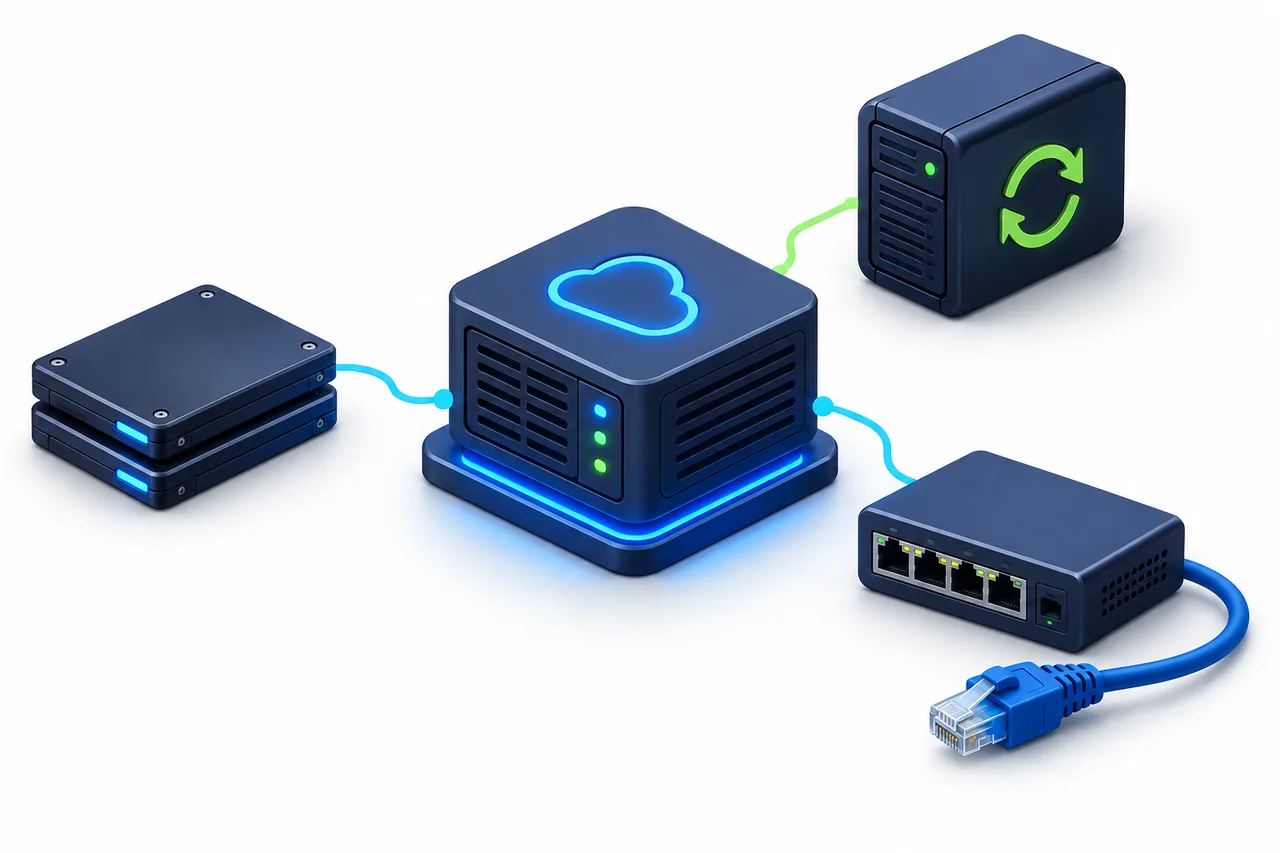
Potential cost items only. Separate charges depend on the plan. Concept equipment, not a bill; connecting lines do not indicate addition.
- Compute instance
- The compute resources running the server. Confirm region, specification and usage conditions.
- System and data disks
- Check capacity and whether performance options are charged separately.
- Networking
- Check applicable transfer, bandwidth and network-path charges.
- Public IP
- Check inclusion and charges while reserved, attached or idle.
- Snapshots and backups
- Check separately billed storage and how retention affects usage.
- Other items
- Check services such as load balancing only when used. Confirm service fees, taxes and currency conversion in the quote.
This is a checklist, not a bill that every customer must pay.
Compare usage billing, fixed terms and bundles
One proposal can combine these approaches: a fixed term for compute, usage billing for networking and bundled resources. Identify the rule for each item before labelling the whole plan.
Usage-based
- How it is calculated
- The service’s metering unit, quantity and applicable rules determine the charge.
- What to record
- Unit, rate, expected usage, minimum charges and pricing tiers.
- Easy to overlook
- Usage-based does not necessarily mean hourly. Other resources can remain billable when compute stops.
Fixed term
- How it is calculated
- Calculate the agreed period and the resources covered by it.
- What to record
- Start and end dates, included items, later prices and change conditions.
- Easy to overlook
- A monthly term does not make every charge fixed; extras and overages may remain.
Bundle
- How it is calculated
- Check the package price, allowances and charges beyond them.
- What to record
- Allowance scope, reset period, excluded resources and overage handling.
- Easy to overlook
- Do not add included items again. Confirm whether unused allowances carry over.
Where network costs get missed
Bandwidth is a transfer rate; data transfer is an accumulated amount. “100 Mbps” does not establish how transfer is billed. Record how much data you expect to move and between which locations.
Inbound, outbound, cross-region and other paths can have different rules. Do not assume inbound or same-region traffic is always free. For an allowance, confirm the directions, resources and period covered, plus what happens above it: charges, throttling or another action.
Bandwidth and download speed →Does shutting down stop the charges?
Shutting down does not necessarily stop every charge. Stopping, deleting and retaining resources are different states. Even if compute charges stop, retained disks, IPs or snapshots may remain billable.
Read the official rules for the specific service before acting. Check data retention, recovery and any ongoing term commitments or other charges. Do not delete unverified data or resources just to reduce a bill.
An official example: stopped EC2 instances and EBS
For an AWS EC2 instance with an EBS root volume, AWS documents that instance usage is not billed in the stopped state, while retained EBS volumes still incur storage charges. Check term commitments separately. This does not establish the shutdown policy of every cloud service or advisor package.[1]
Check what happens after the first period
Record the offer period and the price that applies afterwards. For a fixed-term plan, check automatic renewal, payment conditions and account requirements. For usage billing, check subsequent rates and metering rules rather than calling everything a renewal price.
Confirm the conditions for upgrades, downgrades, early termination and refunds. Record the quoted currency and settlement method. An unspecified future price is not a fixed long-term price.
Existing cloud-credit offers require confirmation of provider, amount, account conditions and scope. Cloud-provider credit is not a Fast-BGP website balance top-up. Confirm the destination account and eligible resources before payment; a credit discount does not automatically mean the same discount on every resource.
Build a budget without double-counting
This is a static budget template, not an editable form or an automatic quote. Establish whether each item is included, then record figures in the actual billing units and currency. Leave unknowns marked “To confirm”.
| Cost item | Included in plan? | Billing unit | Unit price | Usage or term | Estimated cost | Conditions to confirm |
|---|---|---|---|---|---|---|
| Compute instance | To confirm | To confirm | To confirm | To confirm | To confirm | To confirm |
| System / data disks | To confirm | To confirm | To confirm | To confirm | To confirm | To confirm |
| Networking | To confirm | To confirm | To confirm | To confirm | To confirm | To confirm |
| Public IP | To confirm | To confirm | To confirm | To confirm | To confirm | To confirm |
| Backups / snapshots | To confirm | To confirm | To confirm | To confirm | To confirm | To confirm |
| Other charges | To confirm | To confirm | To confirm | To confirm | To confirm | To confirm |
Compute instance
- Included in plan?
- To confirm
- Billing unit
- To confirm
- Unit price
- To confirm
- Usage or term
- To confirm
- Estimated cost
- To confirm
- Conditions to confirm
- To confirm
System / data disks
- Included in plan?
- To confirm
- Billing unit
- To confirm
- Unit price
- To confirm
- Usage or term
- To confirm
- Estimated cost
- To confirm
- Conditions to confirm
- To confirm
Networking
- Included in plan?
- To confirm
- Billing unit
- To confirm
- Unit price
- To confirm
- Usage or term
- To confirm
- Estimated cost
- To confirm
- Conditions to confirm
- To confirm
Public IP
- Included in plan?
- To confirm
- Billing unit
- To confirm
- Unit price
- To confirm
- Usage or term
- To confirm
- Estimated cost
- To confirm
- Conditions to confirm
- To confirm
Backups / snapshots
- Included in plan?
- To confirm
- Billing unit
- To confirm
- Unit price
- To confirm
- Usage or term
- To confirm
- Estimated cost
- To confirm
- Conditions to confirm
- To confirm
Other charges
- Included in plan?
- To confirm
- Billing unit
- To confirm
- Unit price
- To confirm
- Usage or term
- To confirm
- Estimated cost
- To confirm
- Conditions to confirm
- To confirm
- Do not add included items again. Unknown costs are not zero.
- Apply the actual tiers, allowances and discounts. The final bill may differ from the estimate.
- Compare the same period and requirements, and recalculate when usage changes.
Estimated total
=Confirmed base charges
+Resource and usage charges not included
+Other confirmed charges
A way to organize the budget, not a substitute for the service’s billing formula.
Provider calculators help with budgeting but do not produce the final bill. AWS Pricing Calculator also distinguishes estimates from actual charges.[2] Record the region, currency, period and usage assumptions, and keep the quote and order for reconciliation.
Three situations and the next check
Illustrative situations only, not customer bills.
Observation
The instance price is low, but the bill is higher
Next check
Review storage, networking, IP and additional-resource line items. Identify charges outside the bundle, then check usage.
Observation
The server is shut down, but charges continue
Next check
Inspect resource states and their billing rules, including retained disks, IPs and snapshots. Shutdown alone does not establish an incorrect charge.
Observation
The first period was cheaper than later periods
Next check
Check the offer expiry, subsequent prices, resource changes and usage changes rather than comparing only the first payment.
Compare cloud and monthly servers on the same basis
For a monthly server, use the selected plan and options. For a cloud proposal, use its applicable billing items. More line items do not necessarily mean a higher total; a fixed monthly price does not rule out extras.
- The same usage period.
- The same CPU, RAM and storage requirements.
- The same network requirements and expected transfer.
- The IPs, backups and other services needed in both cases.
- Comparable administration and support scope.
Where resources, service scope or billing conditions do not align, record the differences beside the budget instead of forcing a winner.
Send the conditions with your enquiry
- Workload and main audience locations.
- Required specification or existing usage records.
- Expected usage period.
- Known bandwidth and data-transfer needs.
- Disk, backup and public-IP requirements.
- Budget and settlement currency.
- Items and overage rules that still need confirmation.
Write “not sure” where information is missing; do not invent usage figures. Send the known conditions and ask the advisor to identify included items and unresolved terms.